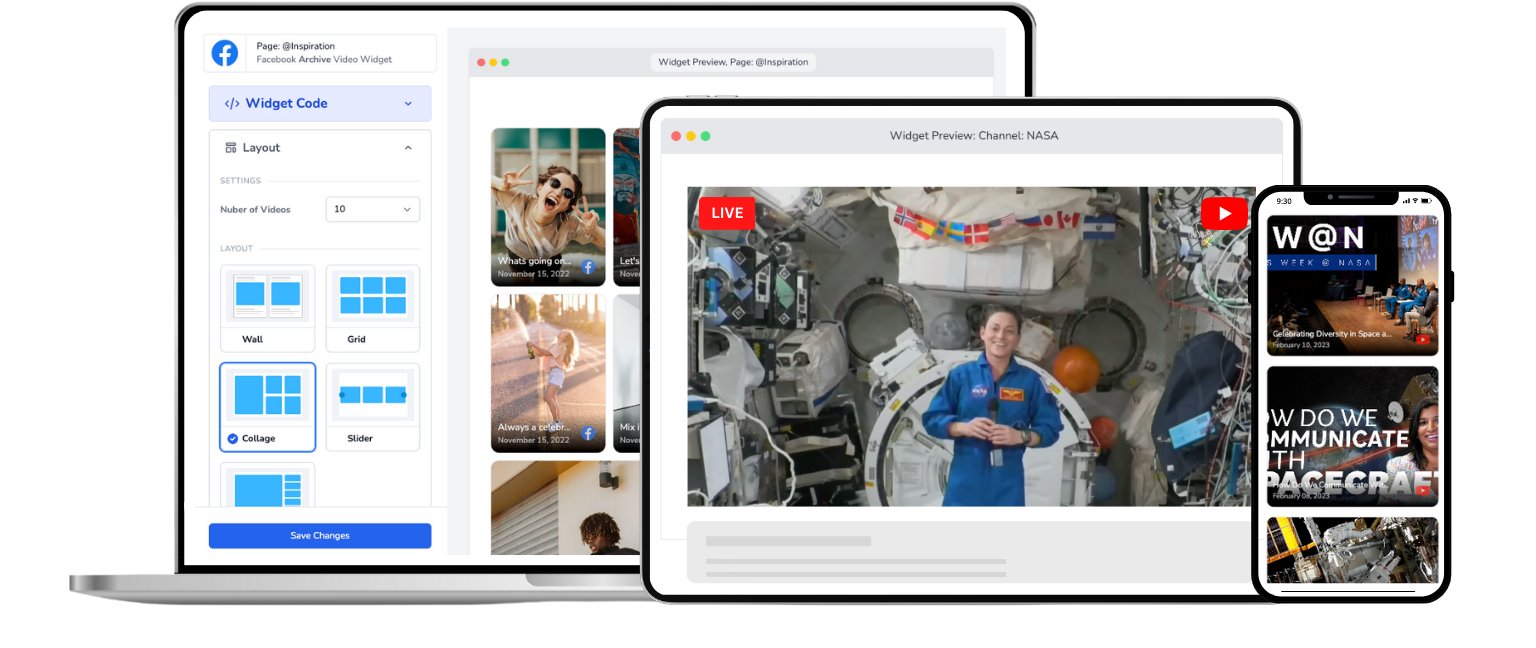
Embed Online Class Livestream
Your students shouldn't need a YouTube account to attend your class. Bring live lessons to your own website.
Trusted by 1000's of websites
Stop Sending Students Away From Your Website
Set up in minutes, teach for years
Most educators are up and running in under 10 minutes.
Step 1
1. Connect your channel
Link your YouTube channel or Facebook Page. Just enter your channel ID or log in with Facebook.
Step 2
2. Add to your course site
Paste your embed code into your course platform, LMS, or website builder. Done.
Step 3
3. Teach live
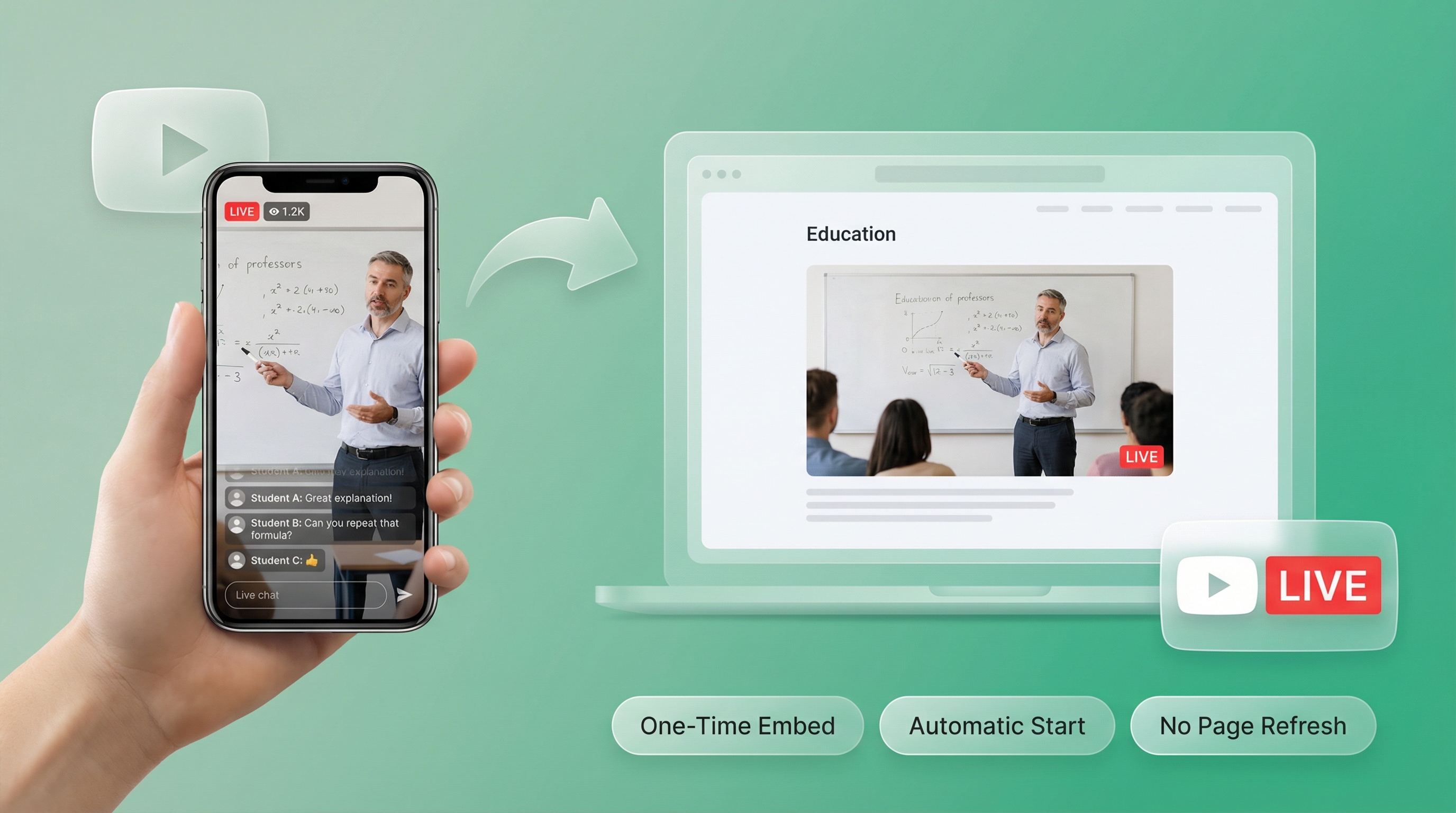
Go live on YouTube or Facebook. Your class automatically appears on your website. Students join with zero friction.
Professional live classes on your own platform.
Your course website should feel premium. Sending students to YouTube doesn't. Here's how EmbedVidio elevates your teaching.
Accessible to everyone
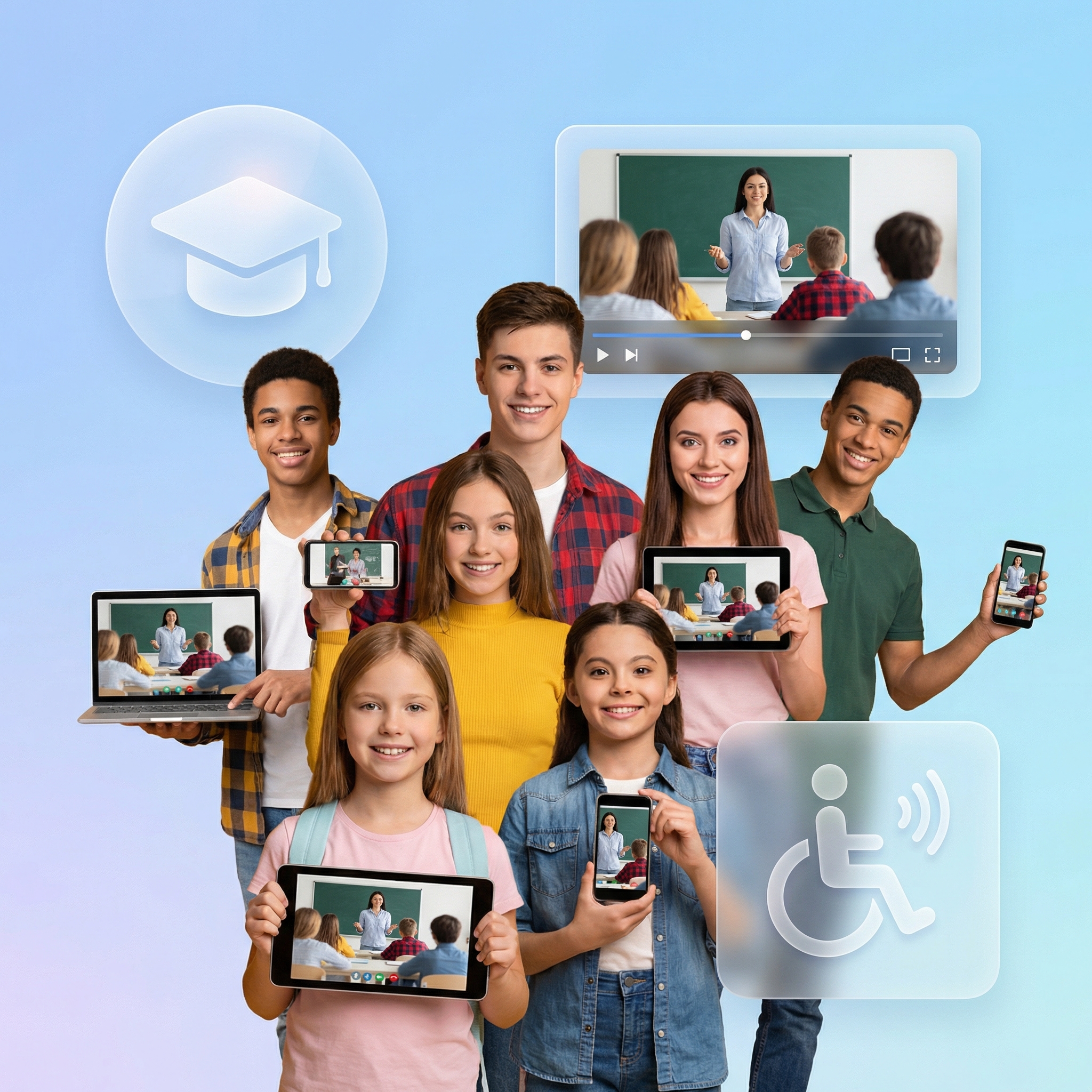
No YouTube account? No Facebook? No problem. Students just visit your website and class is right there.
Class recordings on demand
Missed the live session? Your past classes display automatically so students can catch up anytime.
Auto-start, no refresh
When you go live, your website updates instantly. Students never have to refresh or wonder where to find you.
One code, every class
Embed once and teach forever. No updating codes before each session. Just go live and teach.
Focused learning environment
YouTube shows "recommended videos" during your class. Your website shows your class. Period.
Works with your LMS
Teachable, Thinkific, Kajabi, LearnDash, WordPress—EmbedVidio plays nice with them all.
Not every student has a YouTube or Facebook account
Some students don't use social media. Older learners, corporate trainees, and international students often struggle with platform signups and account requirements. Embedding your live class on your own website removes that barrier entirely. Students visit your site and the class is right there. No accounts, no downloads, no friction.
A branded classroom that justifies premium pricing
Sending students to a YouTube link feels casual and free. A live class embedded on your own branded course website feels professional and worth paying for. The perception of value matters. Educators who host content on their own platform consistently charge more and see higher completion rates than those who rely on social media alone.

After class, students are already on your site browsing more courses
When class ends on YouTube, students see recommended videos from other creators and drift away. When class ends on your website, they're already surrounded by your other courses, your community, and your enrollment pages. That's how one class turns into a long-term student relationship.

What they say about EmbedVidio Staging
EmbedVidio has been an essential component to reach those in our group who choose not to be on social media. Being able to stream and push content to our website has been so valuable.
Tim Lee
Pathway Community Church
EmbedVidio helps us embed live-streams to our website for those not directly on Facebook.
The stream to our site is easier for us to share than sending people to our Facebook page.
Jason Hugg
Berks Weekly
I love being able to point people to our website to view our livestream broadcasts. Super helpful for non Facebook users.
Paul Amlin
The Water of Life Conference, ELCA
Frequently Asked Questions
Everything you need to know about embedding live streams on your website.
Connect your YouTube channel or Facebook Page to EmbedVidio, choose a layout, and paste the embed code on your course page. When you start a live class on your streaming platform, it appears on your website automatically within seconds.
Students just visit your website. No YouTube or Facebook account needed. No page refresh required.
Yes. EmbedVidio works with any platform that supports HTML embed codes. That includes Teachable, Thinkific, Kajabi, LearnDash, WordPress, Squarespace, and custom-built course websites.
Paste the embed code on your lesson page, and every live class you stream will appear there automatically. Check our guide on embedding live video on any website for specific instructions.
When you're not streaming live, the widget displays your past class recordings. Students who missed the live session can watch the replay at their own pace. You can choose from six layout templates to organize your class library.
You can also show a custom placeholder image, like your class schedule or a "next class" countdown graphic.
No. That's one of the biggest advantages. When you embed your live class on your own website, students just visit your page and watch. No social media signups, no app downloads, no distractions from YouTube's recommended videos or Facebook's news feed.
This is especially important for students who don't use social media or for schools with policies against requiring social media accounts.
Yes. EmbedVidio supports YouTube, Facebook, and Twitch. You can connect multiple platforms to the same widget, and it will detect whichever one you use for your class. Great if you switch platforms or multistream.
EmbedVidio starts at $9/month (or $7/month billed yearly) for up to 3 widgets. All plans include automatic live detection, every layout template, and multi-platform support.
We offer a free 7-day trial with no credit card required. Set up your class page and test it with a real live session before paying.
Related Resources
Explore more guides and comparisons
Ready to level up your live teaching?
Thousands of educators trust EmbedVidio for their live classes, webinars, and workshops. Works with YouTube, Facebook, and Twitch. Try it free for 7 days—no credit card required. Your students will thank you for the distraction-free experience.